Tutorials • Softaculous
Viewing all scripts installed via Softaculous
This tutorial explains how to view all applications installed through the Softaculous plugin in cPanel.
Views 1028Updated 4 aniPublished on 29/01/2019by Cătălin A.
Introduction
This article explains how to view all applications installed via the Softaculous plugin from cPanel on a hosting account
Requirements
- a cPanel account
Steps to Follow
- after logging into the cPanel control panel, in the interface that will be displayed, look for the "SOFTWARE" section, and there click on "Softaculous App Installer"

- on the next page, click on "Installation"

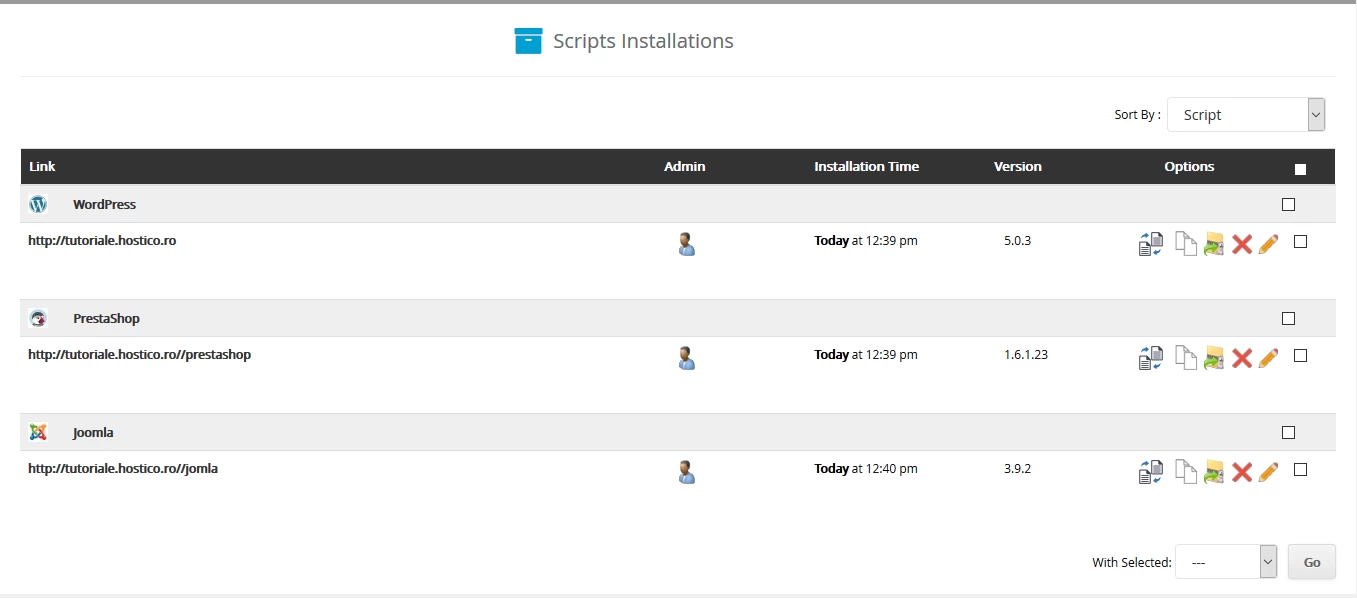
- on the page that will be displayed, all the scripts installed through Softaculous on that hosting package will be visible, along with their installation date and version