Separation of services on an invoice
The division of elements on an invoice represents a basic function that can be used for payment management.
Introduction
The separation of services allocated to a single proforma invoice is a basic procedure that can facilitate the management of invoices from the account on different billing dates and allows the breakdown of amounts into different individual elements. In the following, we will go over the steps necessary for separating services from an invoice.
Requirements:
An invoice with at least two individual services
Steps:
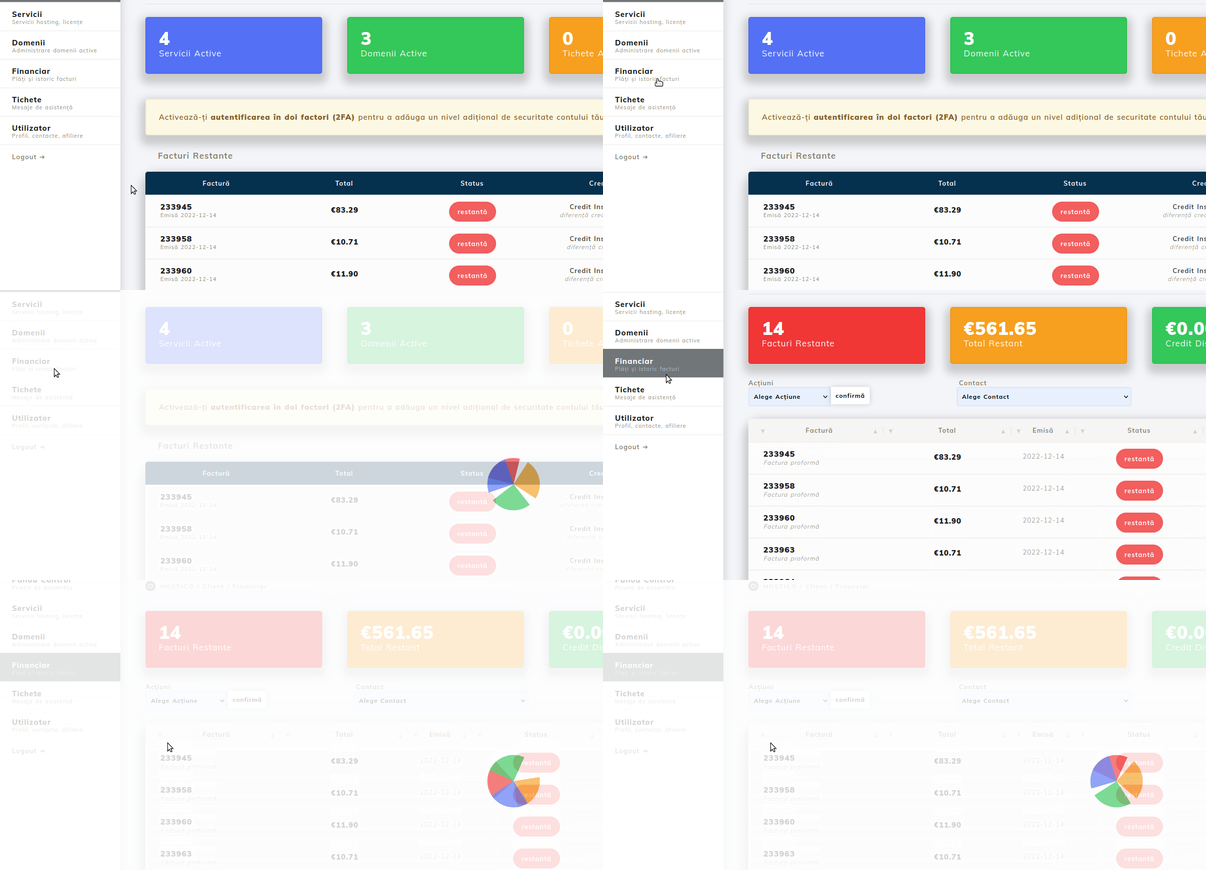
After logging into your Hostico client account, access the Financial section, located on the left side of the page.
In the opened interface, all invoices from the account will appear (both proforma invoices and tax invoices). Access the proforma invoice code you wish to separate and click on Proforma Breakdown.
A window will open containing all the inserted items, all grouped under invoice number "1".
If you want to break down the services into two invoices, the value of the Proforma Number section will be changed from 1 to 2 (if separation into multiple proformas is desired, select the corresponding number of invoices wanted).
After ensuring that the services have been separated correctly, complete the procedure by clicking the green Confirm button.

After completing the procedure, the invoices generated as a result of the request will appear on the screen, each of which can be opened individually.

Note:
- The separation of services is possible only on proforma invoices, the procedure being not possible in the case of tax invoices.
- The billing details of the newly generated invoices will be automatically transferred to the relevant details of the main account, so if you wish to make subsequent changes, we recommend consulting the article Modification of proforma invoice
- The due periods for the services, as well as the amounts, do not change with the breakdown of the invoice.
- In the case of services with the same domain name, we do not recommend splitting the services, except in cases where one of the elements is relinquished.
- If, following the invoice breakdown, you wish to cancel an invoice, please contact Hostico's commercial department.
- For situations where an invoice has been separated by mistake, the invoice combining function can be used